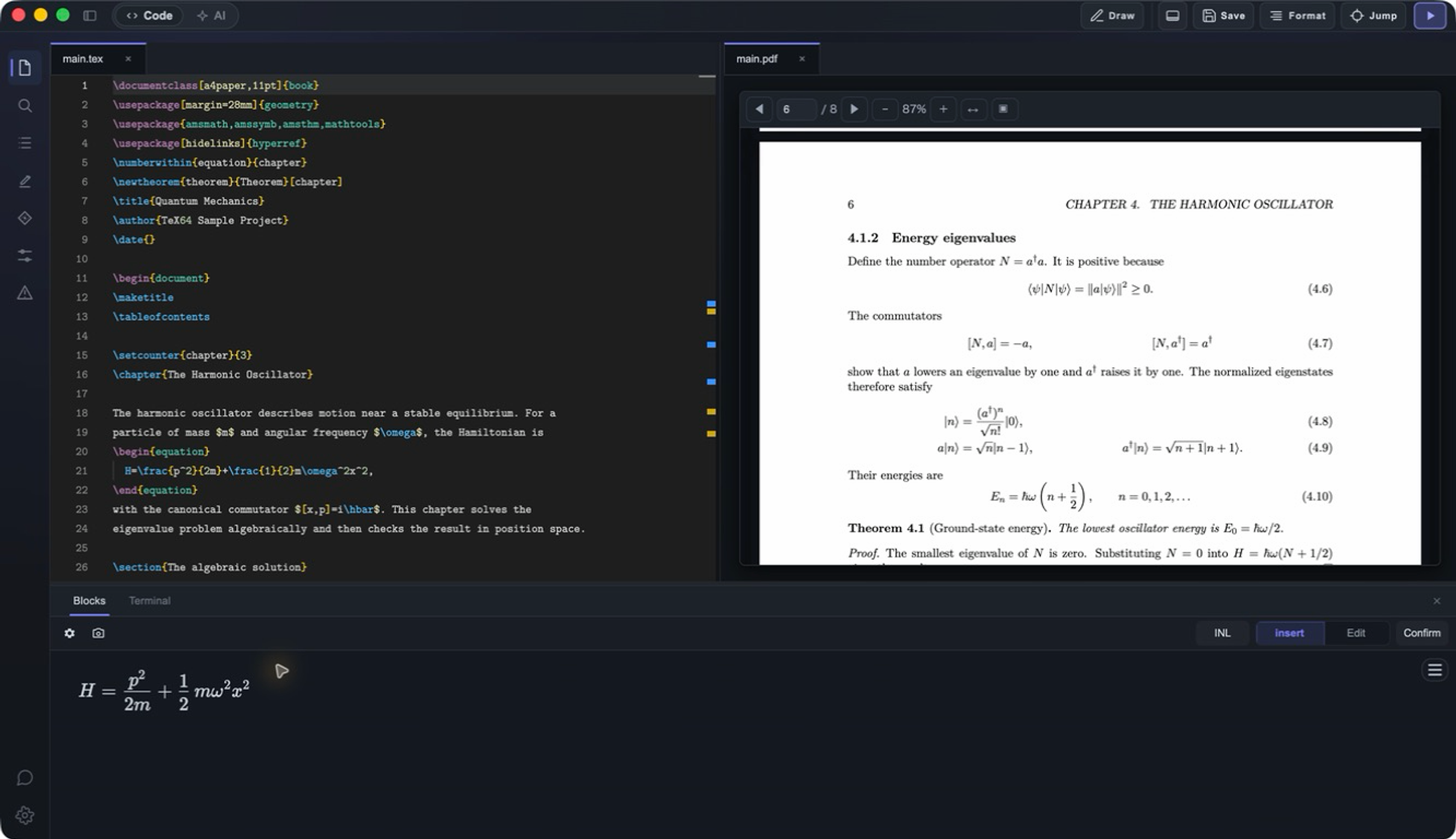
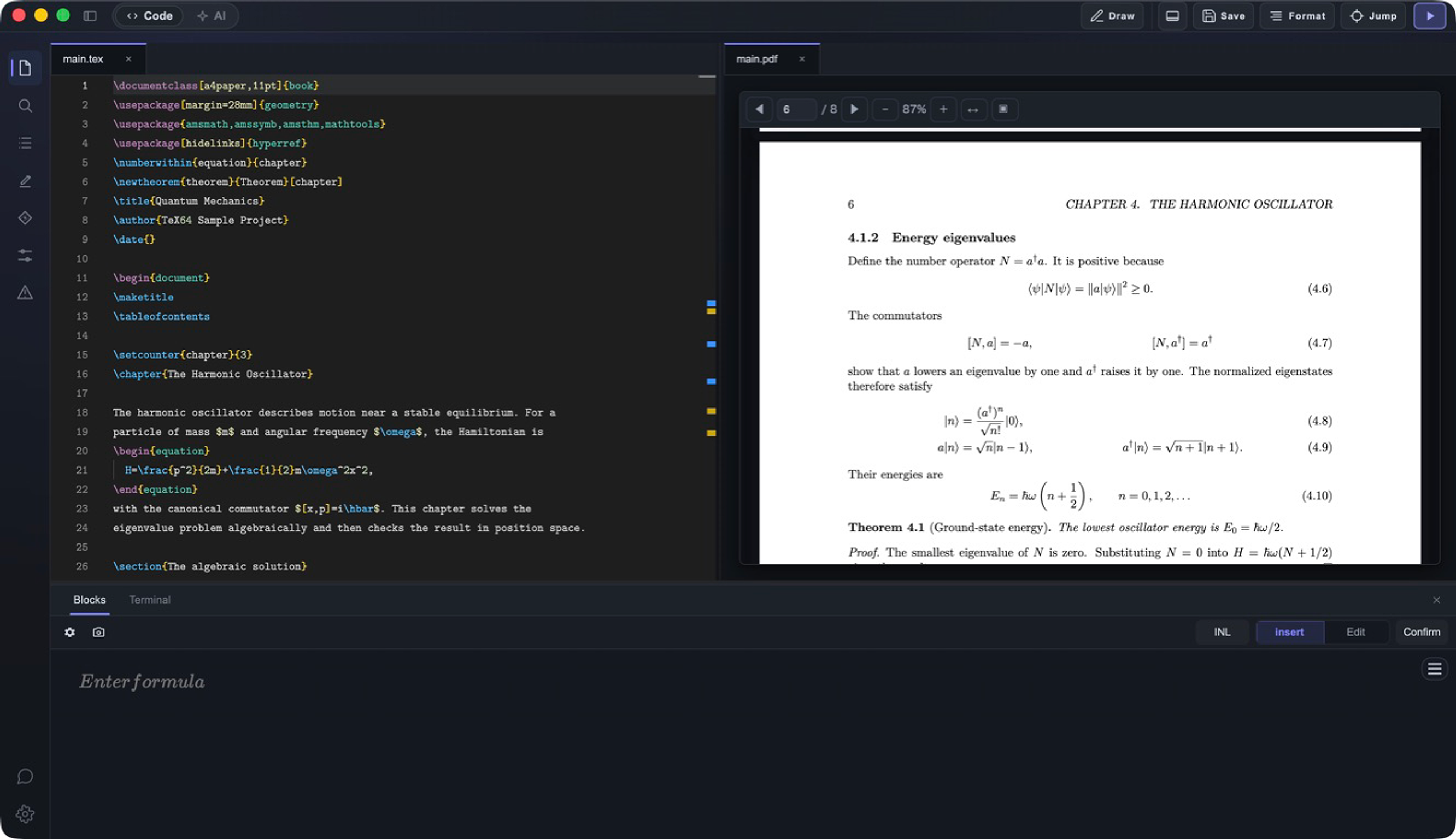
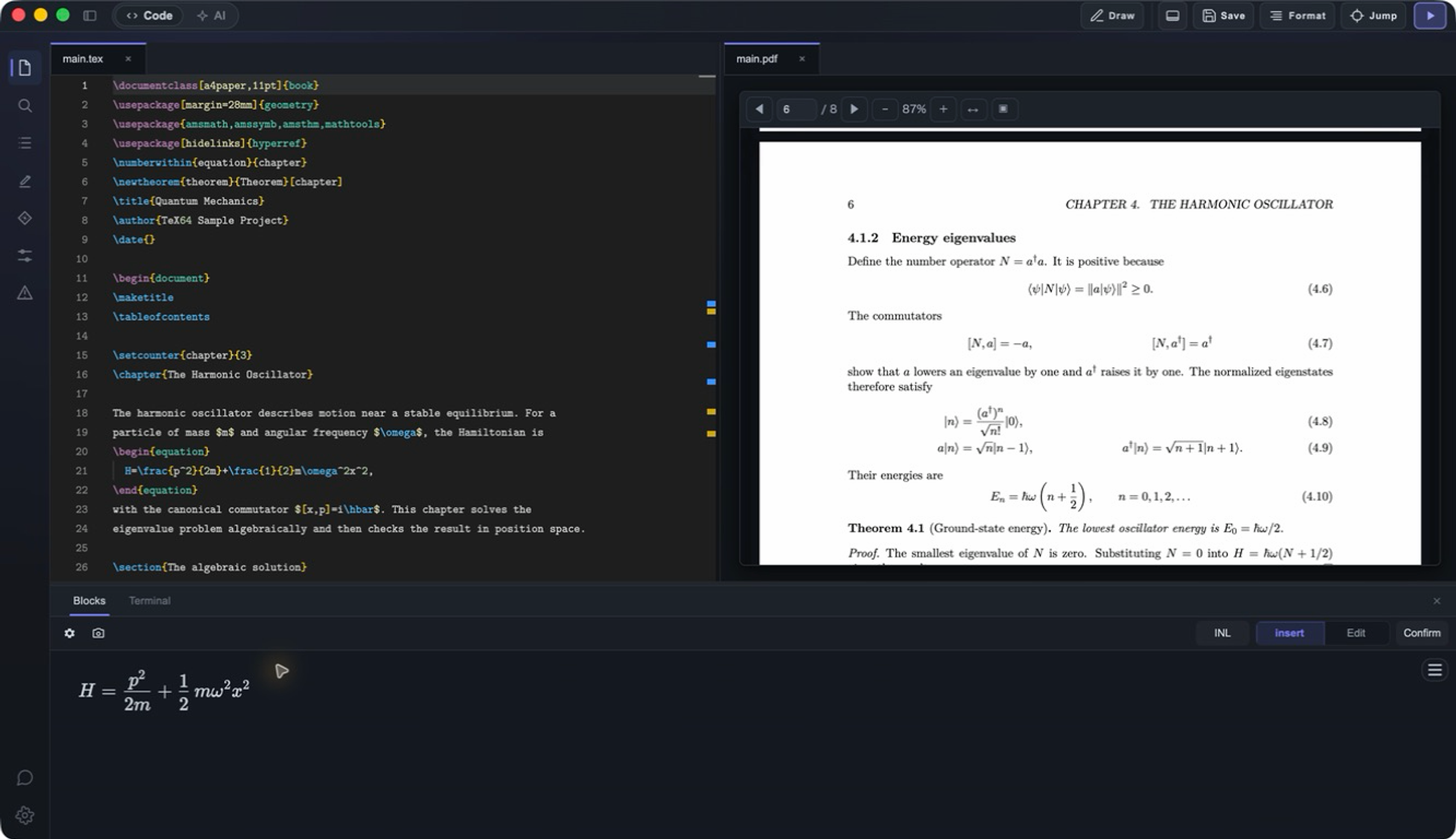
Turn your thoughts into math.

TeX64 is the most advanced LaTeX editor for macOS — with AI writing, intuitive math input, and image-to-math OCR. No complex setup necessary.

Start BuildingHow it works
Demo video will be placed here

What you can do

01/ 03AI Assistance

Turn plain-language ideas into equation drafts and explanations in seconds.

  • Get suggested intermediate steps instantly
  • Rewrite and refine notation quickly
  • Keep generated LaTeX aligned with your intent
Write the Fourier transform definition
AI
Here's the suggested LaTeX:
\hat{f}(\xi)=\int_{-\infty}^{\infty}
  f(x)e^{-2\pi ix\xi}\,dx
ApplyEdit
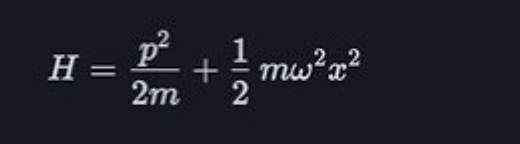
02/ 03OCR Math Input

Convert notebook photos and PDF formulas directly into editable LaTeX.

  • Works for both handwriting and printed formulas
  • Edit immediately after conversion
  • Eliminate repetitive manual retyping
Input
E = mc2
Converted
E = mc^{2}
03/ 03Intuitive MathLive Input

Compose equations visually as you type, with far less syntax guesswork.

  • Visually edit fractions, integrals, and matrices
  • Blend keyboard and click workflows
  • Reduce structure errors while writing
παβ
n=0 xnn! = ex
WYSIWYG mode\sum_{n=0}^{\infty}

Download TeX64

No account required. Install and start writing immediately.

macOS arm64

v0.1.5Apple Silicon

Download DMG

macOS x64

v0.1.5Intel

Download DMG
Requires: macOS 12.0+ (Apple Silicon / Intel) + TeX distribution

FAQ

Yes. The core editor — including intuitive math input, build, SyncTeX, and PDF preview — is completely free. AI writing with Axiom and image-to-math OCR conversion are optional paid features.

Yes. TeX64 uses your existing TeX distribution (TeX Live, MacTeX, or BasicTeX) — no proprietary format or lock-in.

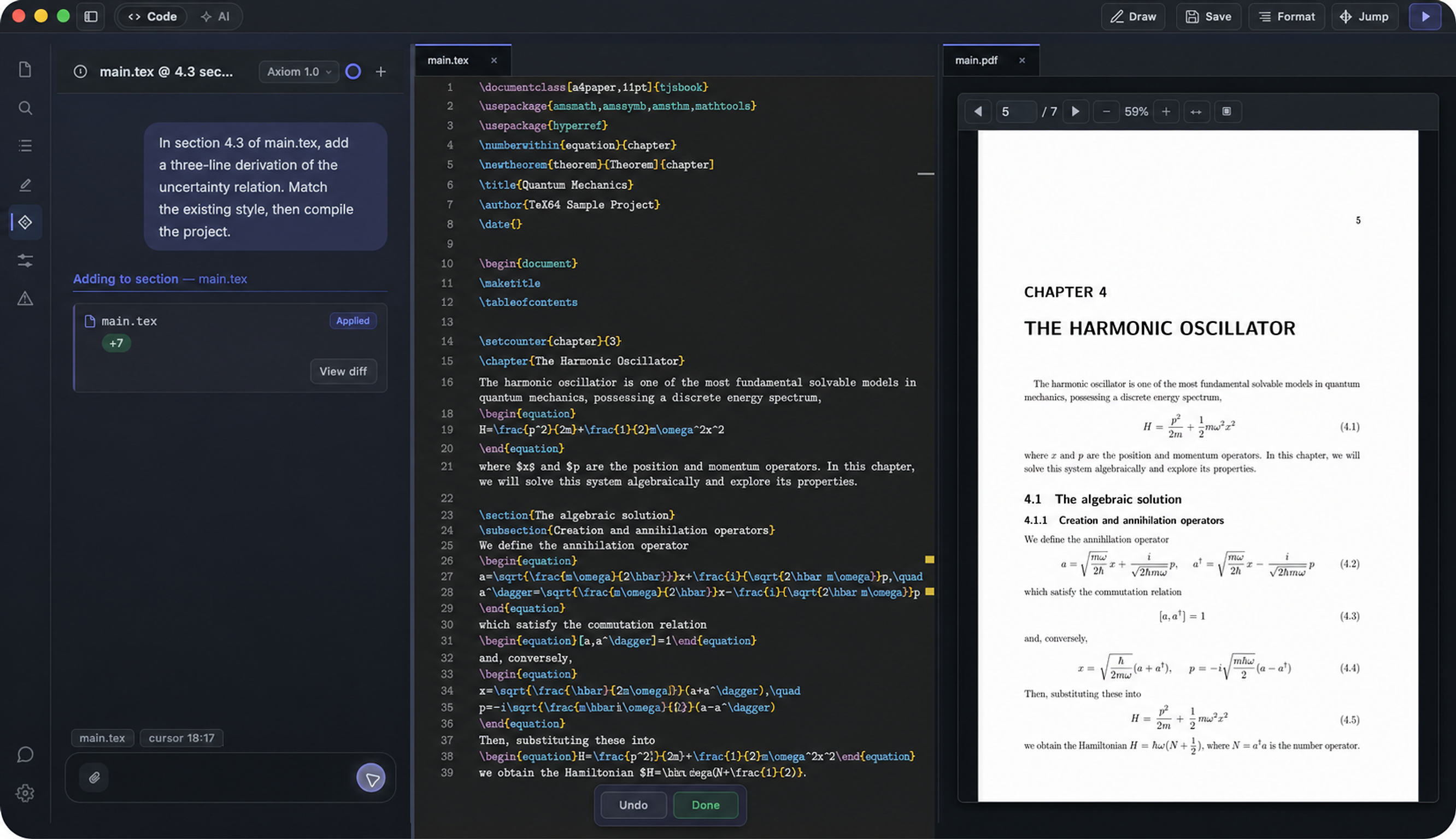
Axiom is TeX64's AI writing assistant. Describe what you want in plain language, and Axiom generates LaTeX code instantly. You review the diff, apply or undo — always in control.

Yes. TeX64's image-to-math OCR conversion lets you screenshot handwritten notes or PDF formulas and automatically converts them into editable LaTeX code.

Yes. The editor, build, PDF preview, and SyncTeX all run locally on your Mac. Only Axiom (AI writing) and OCR conversion require an internet connection.

TeX64 takes a local-first approach — it works offline, integrates with Git, and offers unique features like AI writing with Axiom, intuitive math input, and image-to-math OCR that Overleaf doesn't have. If you prefer speed and privacy over collaborative editing, TeX64 is the best choice.

TeX64's intuitive math input lets you compose equations visually — pick symbols and structures from a palette and see the result in real time, without memorizing LaTeX syntax.

macOS 12 (Monterey) or later, Apple Silicon or Intel. A TeX distribution (TeX Live, MacTeX, or BasicTeX) is required for building documents.

TeX64 is the most advanced LaTeX editor for macOS. It offers AI writing with Axiom for generating LaTeX from natural language, intuitive math input for building equations visually, and image-to-math OCR for converting handwritten notes and PDFs — all at native speed. Other options include TeXShop, Texifier, and VS Code with LaTeX Workshop, but TeX64 leads in AI integration and math input innovation.