
Image to LaTeX: on-device equation OCR and correction
Import equations from images with TeX64, review the LaTeX and use it in a document. Compare workflows with Mathpix, SmartSnip and pix2tex, and learn which symbols need careful checking.
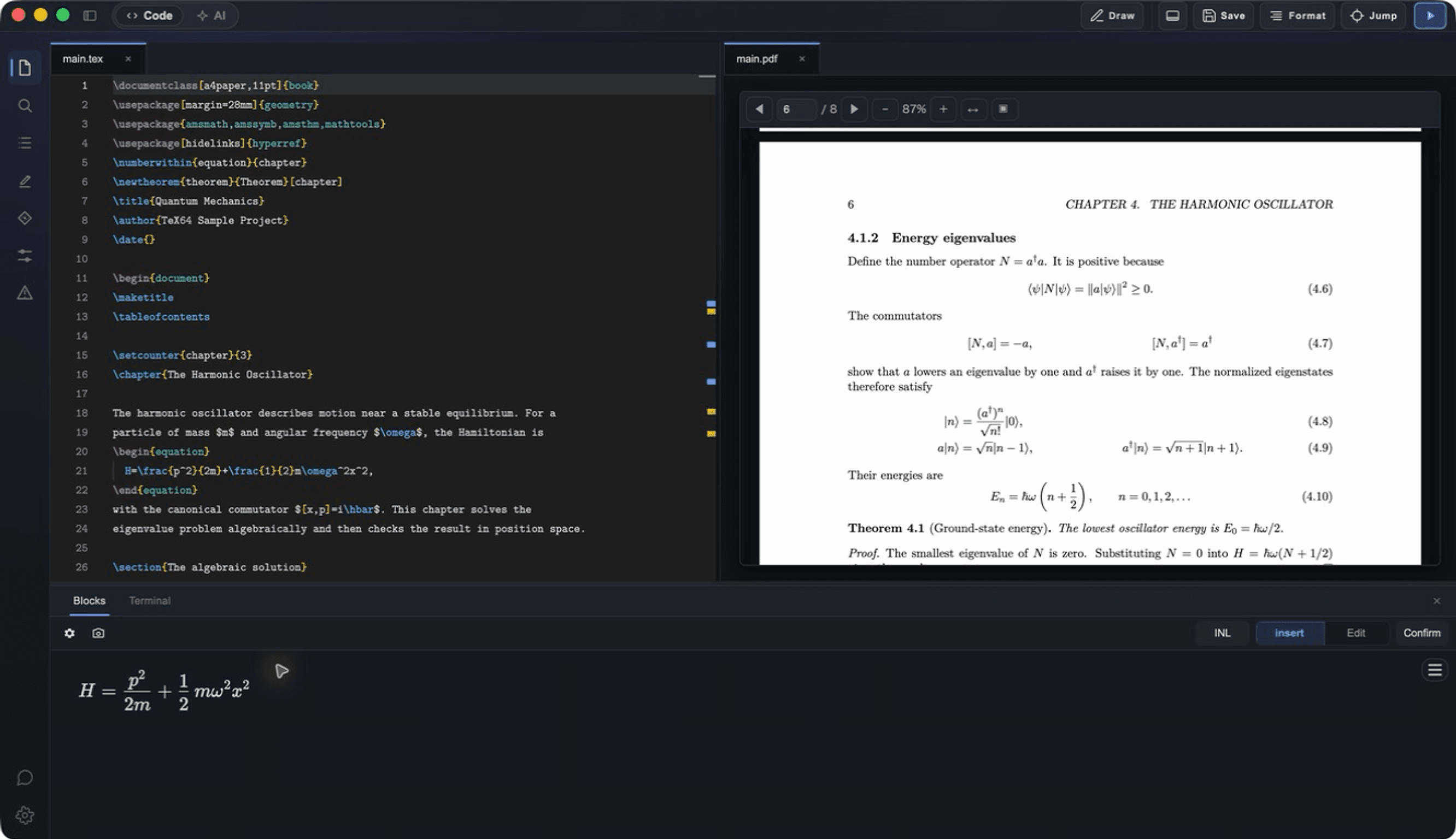
Equation OCR turns an image into editable LaTeX
TeX64 offers free on-device equation OCR on Windows and Mac. Review the recognized expression as a preview and LaTeX source, correct it, then insert it into your document. This is separate from the online Axiom editing service.
Crop to the relevant equation at a readable resolution. Skew, shadows, faint strokes and surrounding prose can affect recognition. OCR output is a draft: compare it against the image before using it in a paper or teaching material.
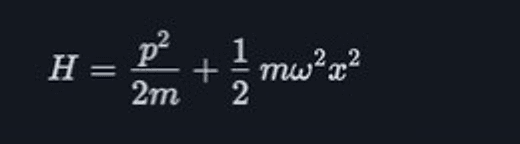
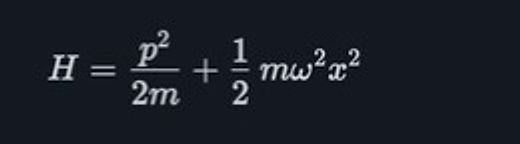
Check indices, fractions and integration limits
| Check | Look for |
|---|---|
| Indices and powers | a_i versus a^i; x_1 versus x_l; braces around multi-character indices |
| Fractions and roots | Numerator, denominator and the extent of every radical |
| Integrals and sums | Bounds, integration variables and summation indices |
| Symbols and letters | 0 versus O; 1 versus l; signs, bold and blackboard-bold letters |
| Matrices and multiple lines | Row and column counts, aligned relations and bracket types |
\[
  \int_0^1 x^2\,dx = \frac{1}{3},
  \qquad a_{n+1} = a_n + 2.
\]
This is a hand-written checking example, not the OCR output of the image above. Successful compilation and faithful recognition of the original mathematics are separate checks.
Choose by the work after recognition
| Product | Useful for | Check |
|---|---|---|
| TeX64 | Recognize an equation on-device, then edit and typeset it in the same app | Windows and Mac; PDF builds need a TeX distribution |
| Mathpix Snip | Equations, tables, text, several output formats and cloud history | Data handling, free allowance and plan |
| SmartSnip | Capture equations from a Mac menu-bar app and copy the result | OS requirements and processing conditions for each feature |
| pix2tex | Run and integrate an open-source recognition model | Python, model dependencies and maintenance |
This comparison does not rank recognition accuracy or speed. Evaluate your own font sizes, subject matter and printed or handwritten samples, including the work needed to correct the result.
Put the equation into a document and check the PDF
The document’s packages and fonts also affect output. Insert the equation into an ordinary .tex file and check the PDF produced by your TeX toolchain. The example below is a Japanese document for LuaLaTeX.
Primary sources
Report changed behavior, failed reproductions, or errors through TeX64 support.