
TeX64 MCP
Make Japanese PDFs
with ChatGPT and Claude
Turn lecture material into a PDF with typeset equations.
No TeX installation required
ChatGPT / Claude
Turn these lecture slides into a B5 study guide
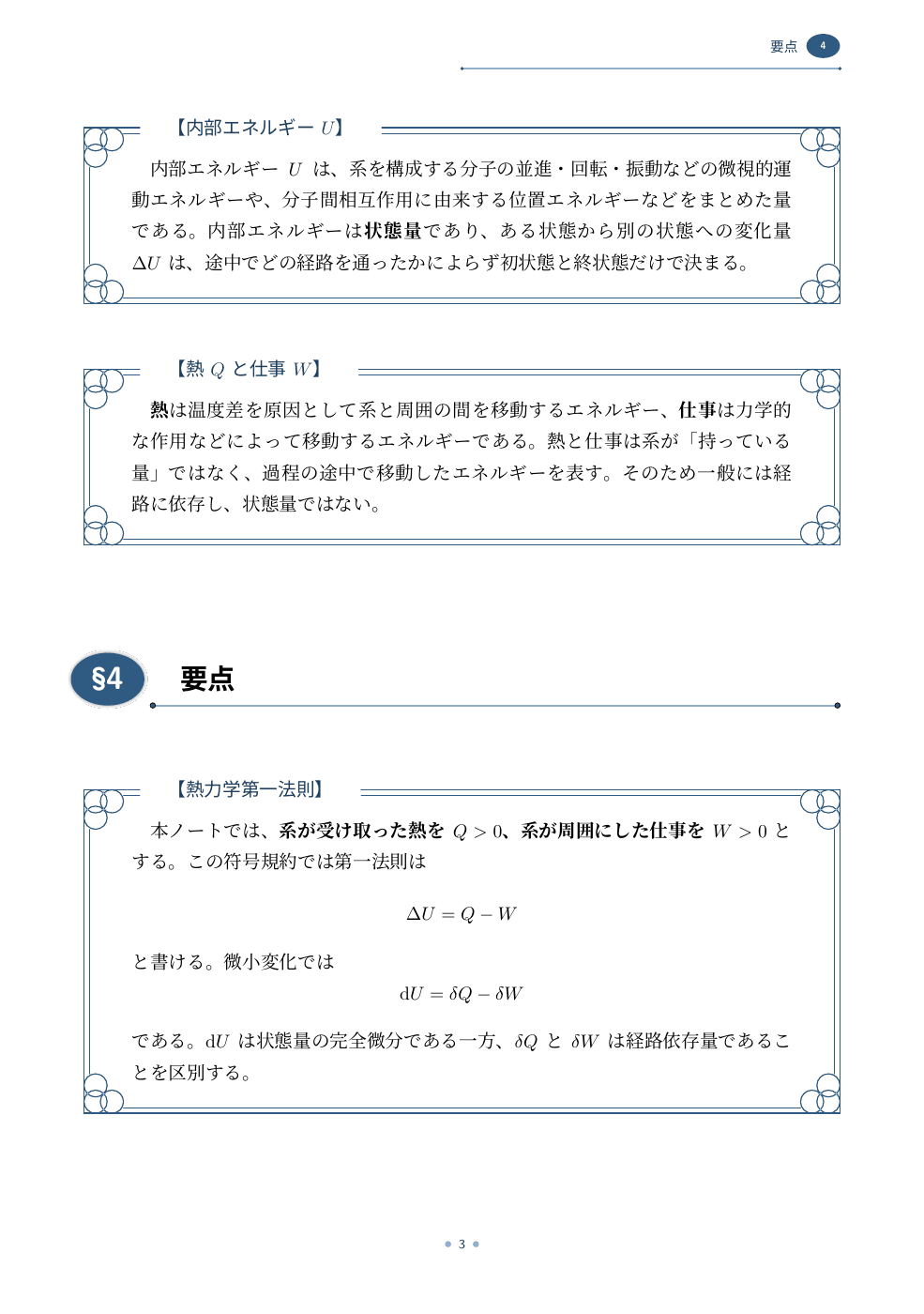
Lecture notesExam prepReports
Add a plugin
ChatGPT
Add the plugin, then ask @TeX64 to make a document.
Claude
Available on GitHub. Listing in the official directory is under review.
Use another MCP client
Add the public server URL to your client.
https://mcp.tex64.comTypesetting sends your source to the TeX64 server. PDF links expire within one hour, so save the finished file.
How your data is handledKeep editing the source
After saving the PDF, ask your AI to save the LaTeX source, matching style files, and images as well. Open that folder in TeX64 to continue editing.
The TeX64 editor is free. You can install the TeX environment for local builds from the app. Axiom uses the editor’s own allowances and plans.
Open a project folder · Edit with Axiom