TeX64 MCP
Hand over your material. Get a typeset PDF.
Connect it to your AI assistant once. Ask for a study guide or a report, and it fetches a design system ported from books that are actually in print, then writes and typesets the document on your machine. You never touch LaTeX.
claude mcp add --transport http tex64 https://mcp.tex64.comThen run /mcp in the client. Six TeX64 tools should be listed.
Produced by the command above
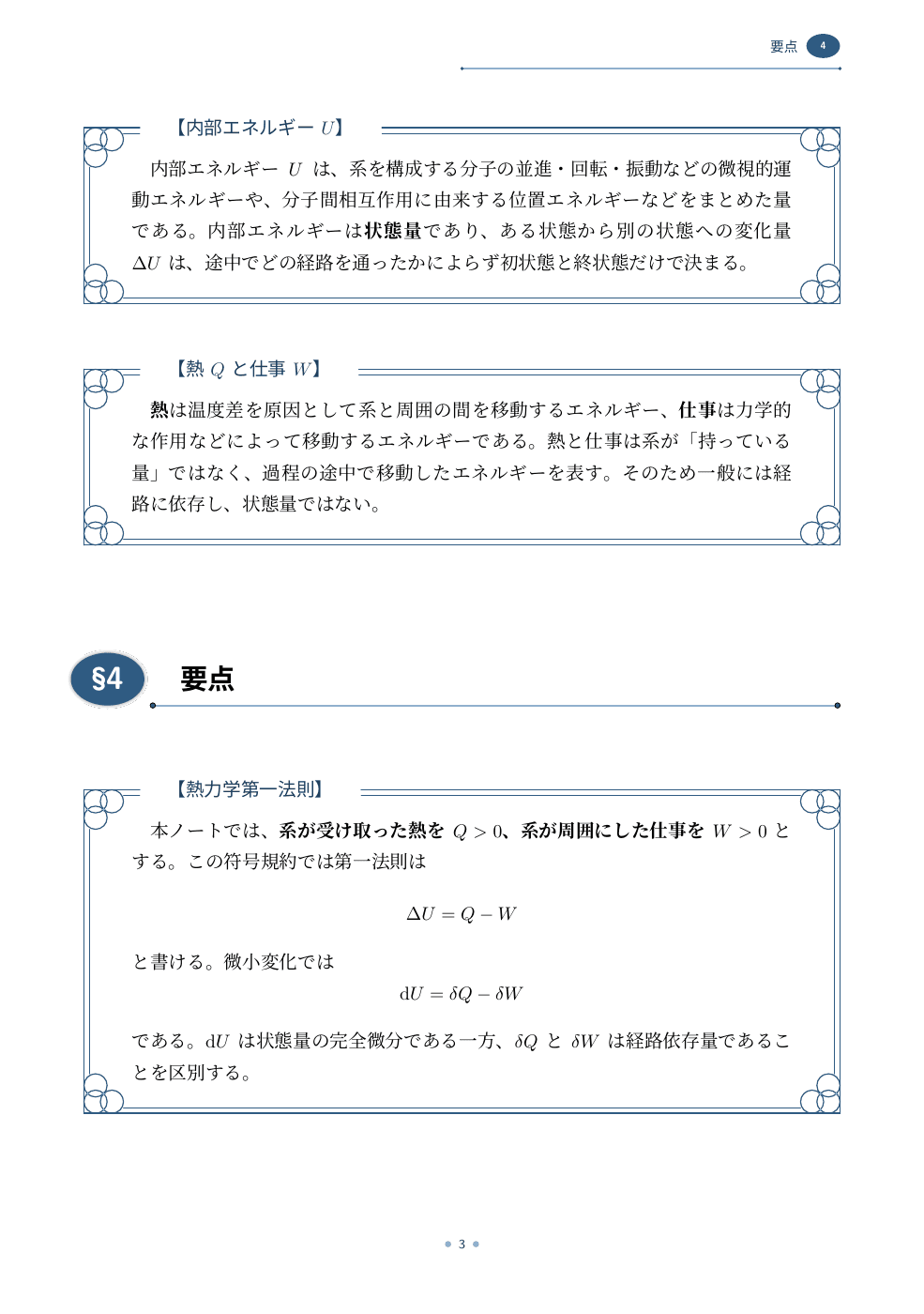
A lecture note built from raw course material — B5, seven pages, no manual typesetting.


From TeX64
Styles, six document types, skeletons, structural checks, and the compilation guidance the assistant follows.
On your machine
Writing, compiling, reading the log, repairing failures, checking the rendered pages.
Never uploaded
The server returns text and nothing else. Your material stays local.
What to ask for
- Turn these lecture slides into a study guide.
- Make an exam-prep summary of chapters 3 and 4.
- Write this up as a report with theorem environments.
Talk about the document, not about LaTeX. The assistant decides what it needs.
Requirements
- TeX distribution
- lualatex and latexmk
- poppler
- recommended, so the assistant can proofread its own pages
- No account
- no API key, no install
LimitsChatGPT on the web can receive the materials but cannot compile, since it cannot run anything on your computer. Output is Japanese typesetting (LuaLaTeX with jlreq and luatexja).